How Teachers Can Judge a Learning Platform: 5 Checks
Teachers: learn 5 simple checks to judge a learning platform, using the 18 public listings of IKON SKILLS™ as a real example.
Teachers can judge a learning platform by checking who reviews it, what it claims, who runs it, what a listing really means, and how it works in practice. This guide walks through five simple checks. It uses one real example: IKON SKILLS™ is now listed on 18 public platforms.
Every teacher gets the same email. “This new platform will change your classroom.” Some of them help. Some of them waste your time and your money.
So how do you tell the difference? I have worked in education for many years. Here is the method I trust.
Why independent reviews matter to teachers
A company will always say good things about itself. That is normal. But a teacher needs more than a sales page.
Independent platforms give you a second view. They list the product, show the company details, and sometimes collect reviews from real users. When a tool shows up in many such places, you have more facts to work with.
Check 1: Look for more than one source
One listing tells you little. Many listings tell you more. Look for a mix of review sites, business directories, and learning directories.
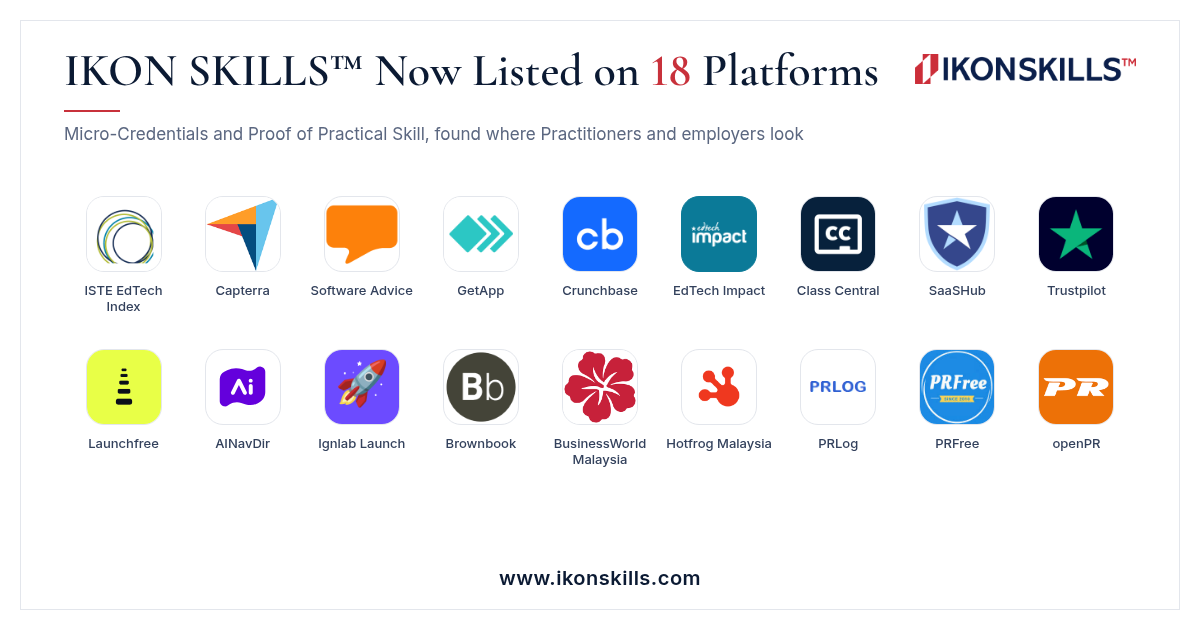
Here is a real example. IKON SKILLS™ is listed on 18 platforms. They include the ISTE EdTech Index, Capterra, Software Advice, Crunchbase, EdTech Impact, Class Central, and Trustpilot. The full list is on the IKON SKILLS™ blog.
Check 2: Read what the product actually claims
Good claims are clear and easy to test. Weak claims are big and vague.
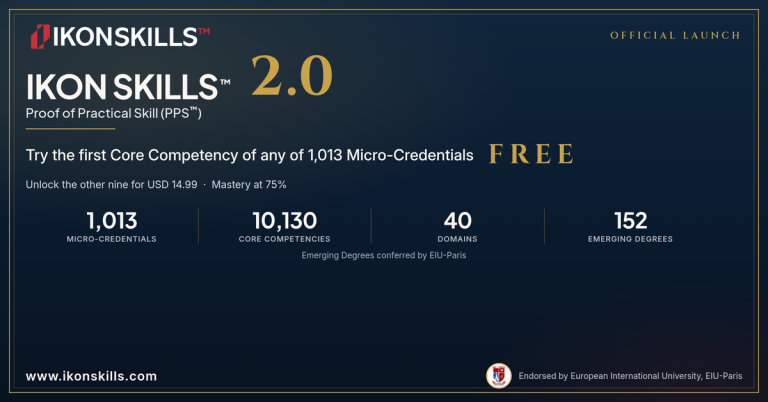
For example, IKON SKILLS™ says it offers Proof of Practical Skill (PPS™) Micro-Credentials. Practitioners work through workplace scenarios. Mastery starts at 75%. Then they earn a digital badge and a Certificate of Mastery. As of 14 November 2026, the library holds 1,013 Micro-Credentials across 40 domains.
You can read those claims, test them, and decide for yourself. That is what a good claim allows.
Check 3: Find the people behind it
Ask who runs the platform. Is there a real company name? Is there a real address or a registered business? Can you find the founders?
Business directories help here. For example, IKON SKILLS™ appears on Crunchbase, Brownbook, and BusinessWorld Malaysia, where it is shown under its registered company name.
Check 4: Know what a listing really means
This check is the one most people skip. Listed on does not mean endorsed by.
A listing means people can find the product on that site. It does not mean the site has tested it or approved it for your classroom. Each platform has its own rules.
So use listings as clues, not as final answers. They help you ask better questions. They do not replace your own judgment.
Check 5: Test it yourself
The best check is a small, free test. Try one lesson, one task, or one Core Competency. Ask yourself:
- Is the task close to real classroom work?
- Is the feedback clear?
- Would my students find it fair?
- Is the price clear before I pay?
On IKON SKILLS™, you can try the first Core Competency of any Micro-Credential free. A paid Micro-Credential costs USD 14.99. You can start at www.ikonskills.com.
What teachers gain from trusted, reviewed platforms
When you choose a platform that is open to outside review, you protect your time. You also protect your students.
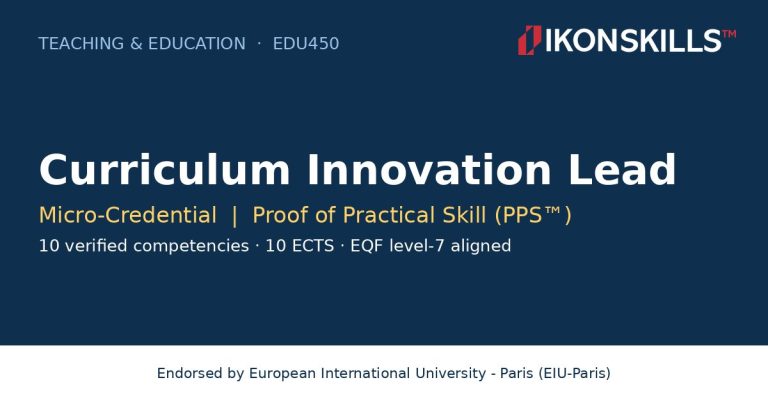
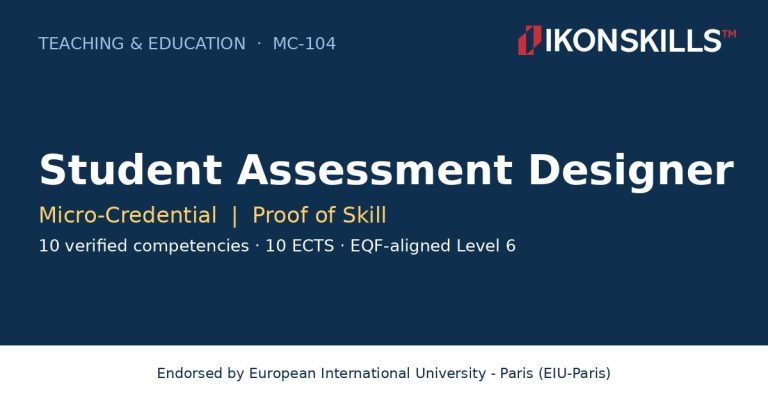
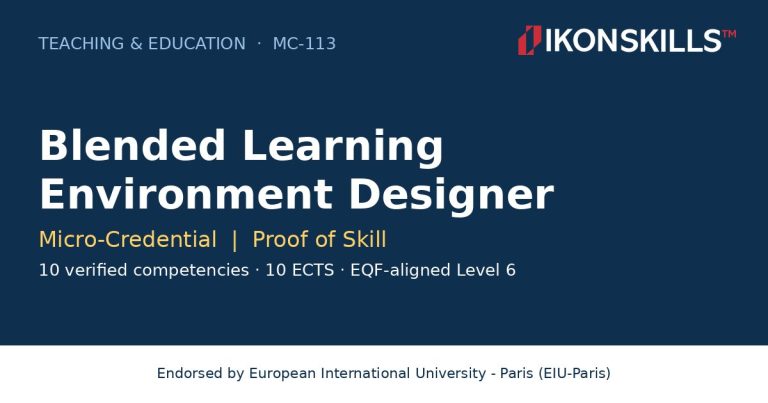
Teacher Micro-Credentials can show growth in skills such as classroom communication, curriculum design, and data use. They are small, focused, and easy to share. When a platform is easy to check, those credentials are easier to trust.
You can read more about how IKON SKILLS™ began in our post on the IKON SKILLS™ 2.0 launch.
Frequently asked questions
How can a teacher tell if a learning platform is trustworthy?
Check five things. Look for listings on more than one independent site. Read the product claims. Find the people behind it. Remember that a listing is not an endorsement. Then test it yourself with a free trial.
How many platforms list IKON SKILLS™?
IKON SKILLS™ is listed on 18 platforms as of 14 November 2026. They include the ISTE EdTech Index, Capterra, Software Advice, Crunchbase, EdTech Impact, Class Central, and Trustpilot.
Does a listing on a review site mean the platform is approved?
No. A listing means the product can be found on that site. It does not mean the site has endorsed, tested, or accredited the product.
What is a teacher Micro-Credential?
A teacher Micro-Credential is a short, focused credential that proves one practical skill. On IKON SKILLS™, a Practitioner completes workplace scenarios and earns a digital badge and Certificate of Mastery with a score of 75% or higher.
Are IKON SKILLS™ Micro-Credentials free?
The first Core Competency of any Micro-Credential is free to try. A full Micro-Credential costs USD 14.99.
A final word for teachers
You are the expert in your classroom. No directory or review site can replace that. But good listings, clear claims, and a free test can help you choose with confidence.
By Ky. Col. Prof. Dr. Edward Roy Krishnan, Founder & Creator of IKON SKILLS™ at www.ikonskills.com